HELLO, EVERYTHING YOUR BUSINESS NEEDS IN ONE PLACE.
GOODBYE, 47 OPEN TABS AND HUNTING FOR LINKS & FILES
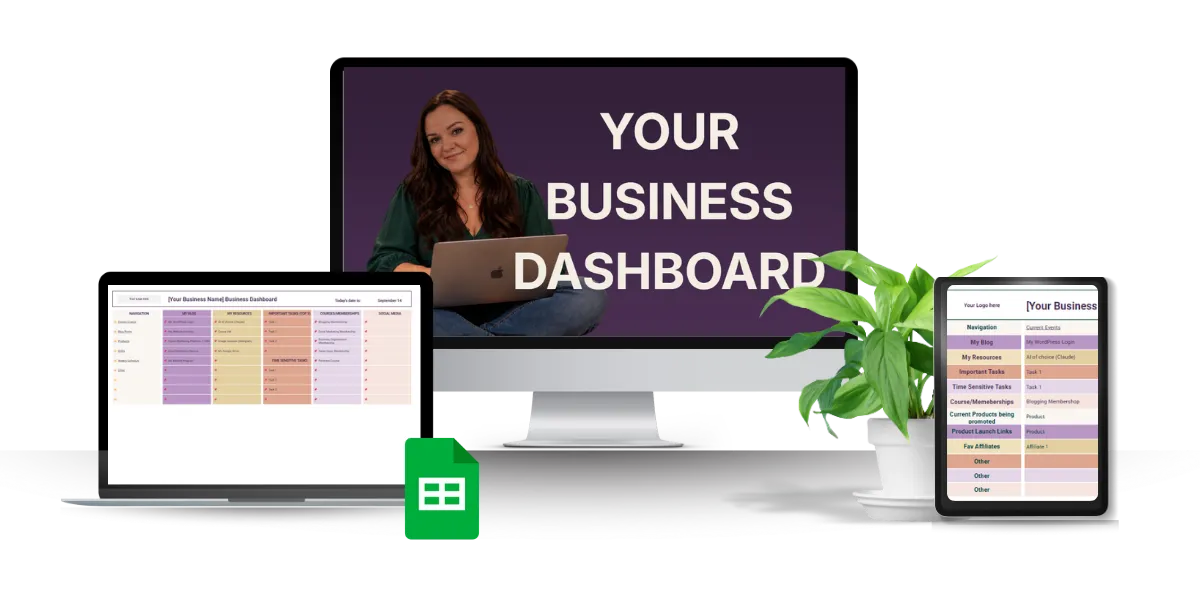
Steal the exact Business Dashboard I use to organize my links, tools, and systems, so you always know exactly where to start your workday.
Built from the same framework that's already helped hundreds of business owners stop losing time to "wait, where did I put that?"
YOUR BUSINESS SHOULD FEEL EASY TO FIND YOUR WAY AROUND
You're not disorganized. Your business is scattered.
Your files are somewhere in Google Drive. Your important links are bookmarked... hopefully. And you have approximately 47 tabs open because you’re afraid you’ll never find something again if you close one.
So every time you sit down to work, you waste time just getting to the thing you need.
I've been there - staring at the screen, not sure where to find "that thing". I even did it in a live workshop. So embarrasing.
That's exactly why I created the Business Dashboard Course, so you never have to wonder where your business documents are again.
Inside you'll get the exact template I use (along with a few other ones so you can choose your fav) and short bite-sized trainings to help you get it all set up.
This is for you if...
You start your workday by hunting through browser tabs, bookmarks, and old emails just to find the thing you need.
You've bookmarked so many "important" links that the bookmarks bar stopped being useful months ago.
You've tried a planner, a Notion doc, a productivity app — and none of it stuck because now you have to search for said planner, Notion doc, and app, to get started.
You'd have to stop and think for a minute if someone asked you "where's the link to X in your business?"
If any of that sounds familiar, keep reading.
Like you, I don't have time to search for files all day long.
I spent over 15 years in the corporate world working with SOPs, workflows, and spreadsheets before I ever thought about building something like this for online business owners.
For a long time, I thought the answer was a better app. Then a better planner. Then a more detailed to-do list.
There had to be a better way.
I didn't need another tool. I needed somewhere to put all the tools I already had.
That's when I built my Business Dashboard. A single, simple hub my whole business could run from.
Once I built it, I knew where to start my day. I knew where all my links, documents, and files were. I just opened my dashboard and went from there.
That's the system I'm walking you through here.

HERE'S WHAT YOU GET
Short Bite-Sized Video Training — Follow along as I show you exactly how to build and use your Business Dashboard—without sitting through hours of training.
Multiple Ready-to-Use Dashboard Templates — Choose your favorite, make a copy, and start adding your business. They're built in Google Sheets, so there's no new software or subscription to buy.
Organize Your Business Links — I'll help you decide what belongs on your Dashboard and how to categorize everything so you can actually find it later.
Make It Yours — Customize your Dashboard with simple formatting so it looks good and makes sense to your brain.
Make It Your Daily Starting Point — I'll show you how to turn your Dashboard into the place you naturally open first—including how to make it your Chrome homepage.
Keep It Organized — You'll also get my monthly maintenance checklist so your beautiful new Dashboard doesn't slowly turn into another digital junk drawer.
BONUS: Family Dashboard — Use the same idea at home to organize the links and information your family needs in one easy place..
BUILT FROM A SYSTEM I'VE ALREADY TAUGHT TO HUNDREDS OF ONLINE BUSINESS OWNERS
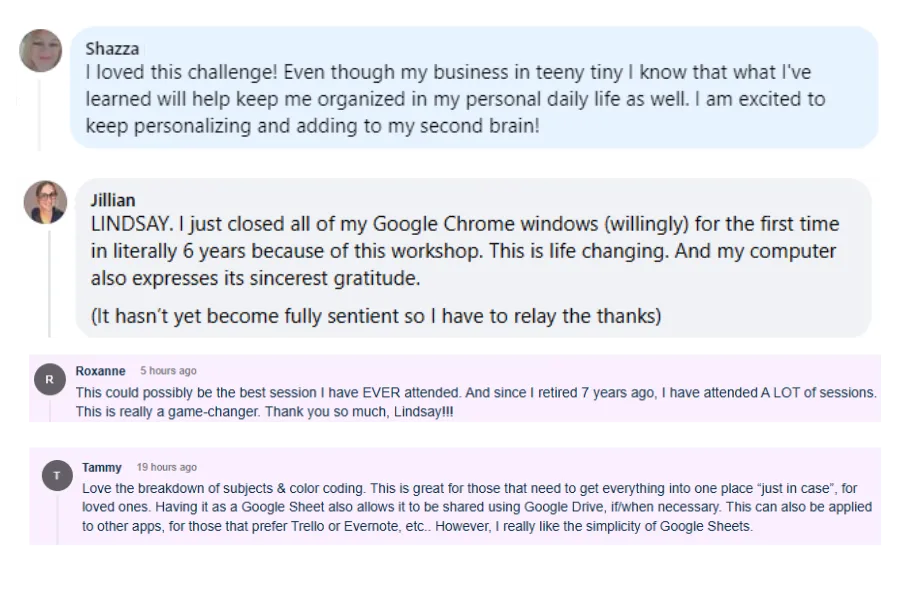
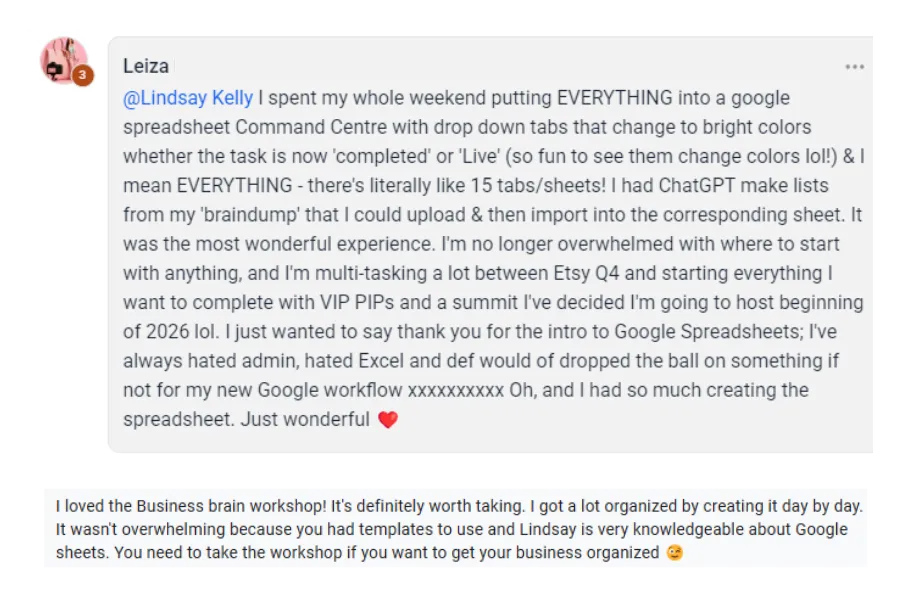
Before this became the Business Dashboard Course, I taught the system live (twice!) during my Second Brain Builder Challenge.
Hundreds of business owners joined me to create their own central hub—and I got to see firsthand what clicked, what questions came up, and what people actually needed to make the system work.
I used all of that to turn the live challenge into the step-by-step course you're looking at now.